Writing
Tables
Insert a table and grow it as the note does.
What it is for
Some information is a grid: options against criteria, people against tasks, dates against numbers. A table keeps it lined up instead of drifting across lines of text.
How to use it
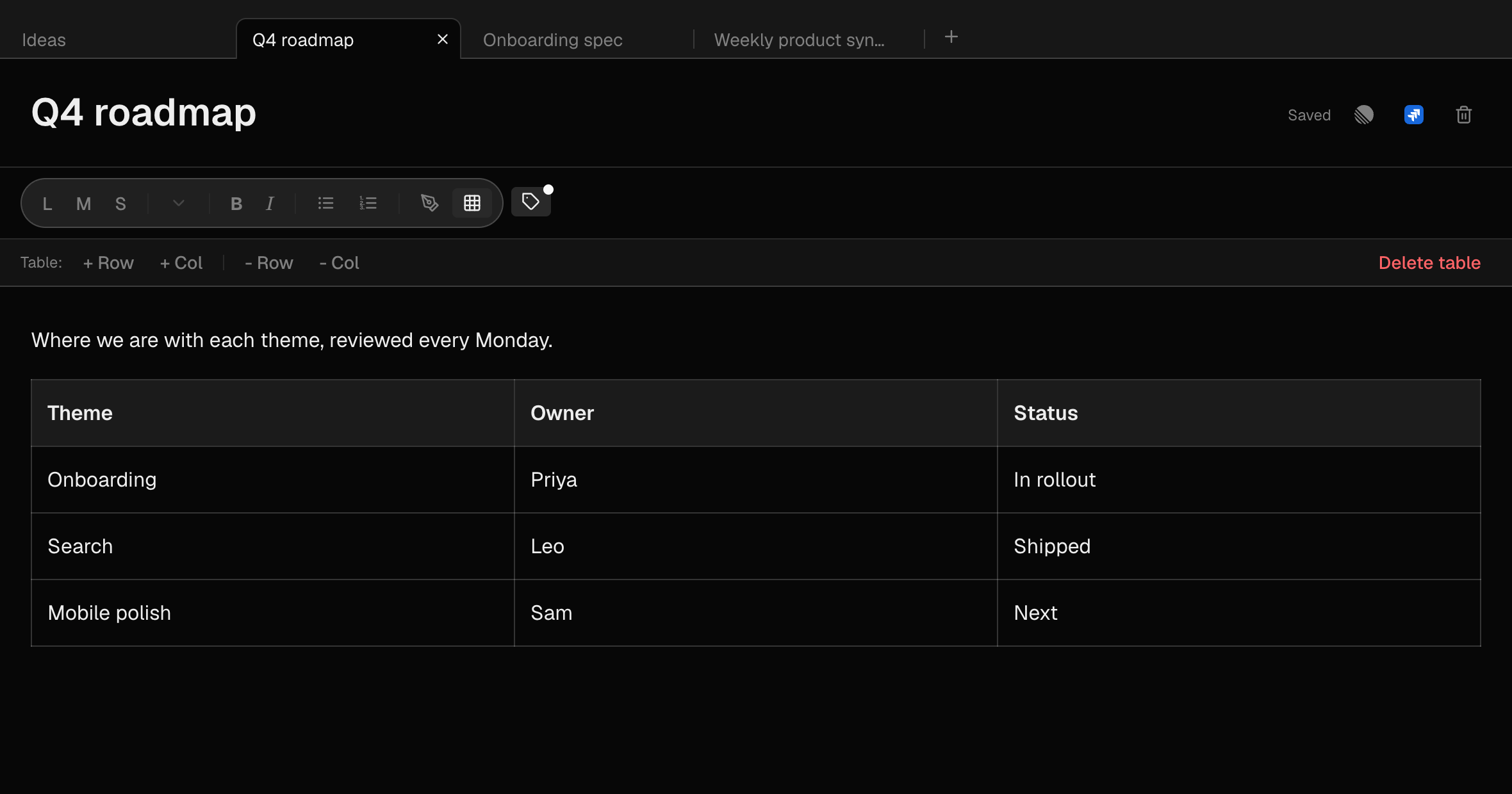
- Press the grid button in the toolbar to insert a 3×3 table with a header row.
- Press Tab to move to the next cell — Tab in the last cell adds a row. Shift+Tab goes back.
- With the cursor in the table, use the table bar: + Row, + Col, - Row, - Col, or Delete table.
- Or right-click a cell for the same options.
- Drag a column's edge to resize it.
Example
Comparing options
Three tools down the side, price, setup time and what the team thinks across the top. Decision made in the note where the discussion happened.
Good to know
- Tables export to Markdown and travel into Linear and Jira issues as real tables.