Integrations
Connect Linear, Jira and Google Calendar
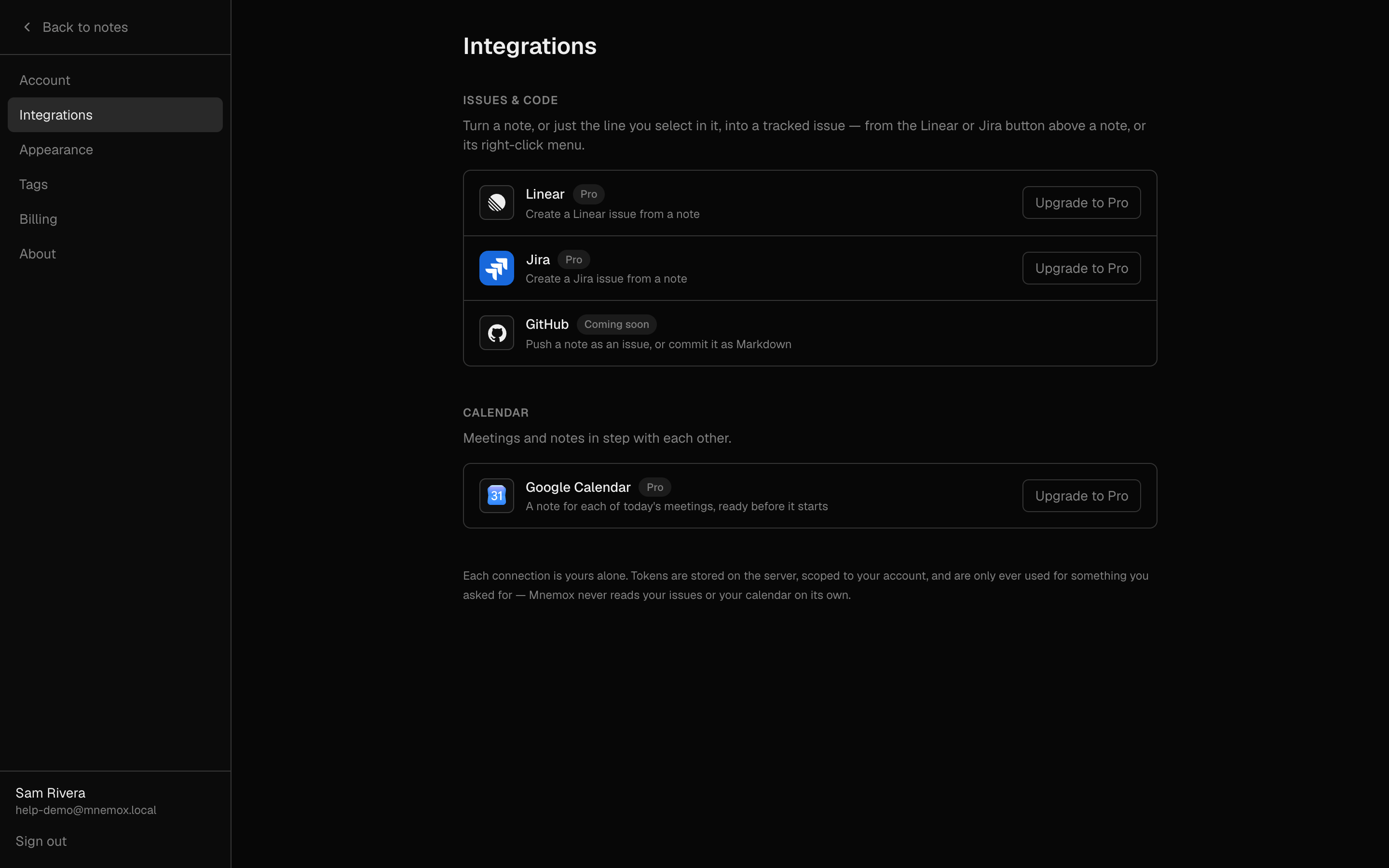
See what is connected, and connect or disconnect it on purpose.
What it is for
Find out whether an integration is working before you need it, rather than in the middle of writing an issue — and fix it in one place.
How to use it
- Go to Settings → Integrations.
- Each service shows its state: Connected (and to which workspace or site), Needs attention, or not connected.
- Press Connect to approve access on the service's own page — you come straight back to this page afterwards.
- Needs attention means the access expired or was revoked at the service. Press Reconnect.
- Press Disconnect to stop Mnemox using the service.
- Set a Default team (Linear) or Default project (Jira) so pushes go there without asking.
Example
Before a busy standup
You know you will push four issues. Check Settings → Integrations first, so the first push does not stop to reconnect.
Good to know
- Disconnect forgets Mnemox's access. It does not delete anything in Linear or Jira, and the issue links already on your notes stay — the issues still exist.
- Mnemox connects to one Jira site: the first one your account can reach.
- You can also connect by simply pushing for the first time; you will be sent to approve access and brought back to the same dialog, with your selection still there.