Writing
Formatting and Markdown shortcuts
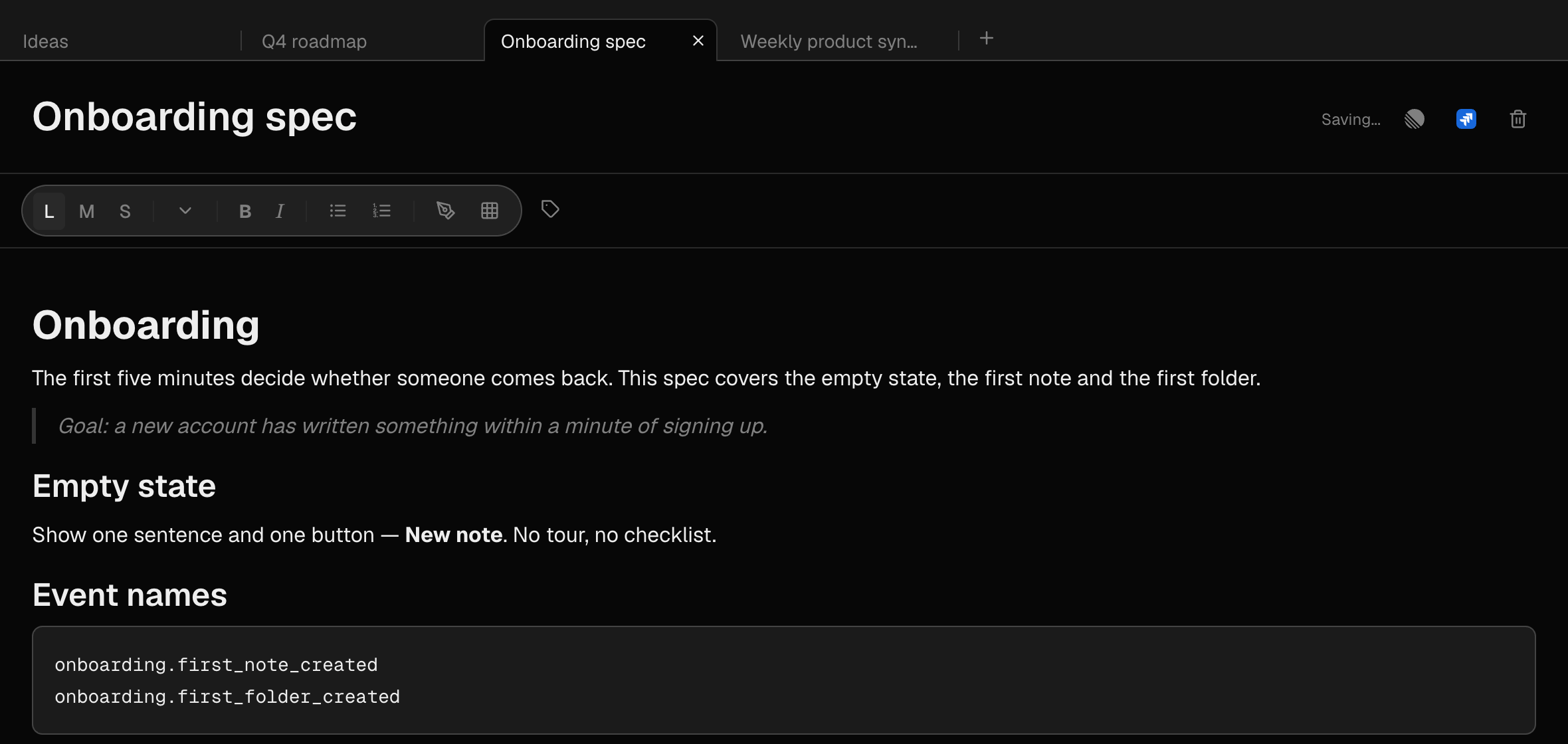
Headings, bold, quotes and code — from the toolbar or as you type.
What it is for
Structure makes a note readable a week later. Use the toolbar if you prefer clicking, or type Markdown shortcuts and keep your hands on the keyboard — they turn into formatting as you type.
How to use it
- Select text and use the toolbar: L, M and S set the heading size; B and I make bold and italic.
- Or select text and right-click it: the menu turns the line into a heading, list, to-do list, quote or code block, and formats the selection — bold, italic, underline, strikethrough, inline code, or clear formatting.
- Or type a shortcut at the start of a line, followed by a space — see the table below.
- Notes save automatically a second after you stop typing. Saving… and Saved appear beside the title.
Large heading
# + spaceMedium heading
## + spaceSmall heading
### + spaceBold
**text**Italic
*text*Quote
> + spaceCode block
```Divider line
---Em dash —
--Ellipsis …
...Curly quotes “text”
"text"Example
Meeting notes that scan
Type ## Decisions, ## Actions and ## Open questions as you go. A week later you can find the decision without rereading the whole meeting.